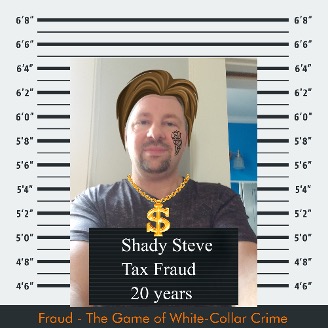
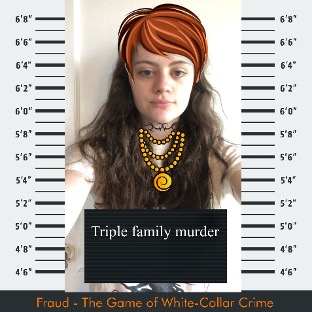
Mugshot Tips sheet
There are 5 simple steps:
- Upload a photo
- Customize your Mugshot letter board (or you can delete it if you choose).
- Add custom props and size them to fit the mugshot
- Save when 100% done customizing, editing your mugshot. You can’t save a draft to edit later.
- Download finished mugshot or share to Social Media (Twitter or Facebook).
Step 1. Upload your mugshot photo using a selfie or other profile picture
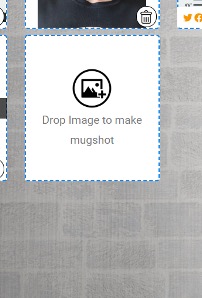
Step 2. Size and center photo, then customize mugshot letter board. Pick a font and adjust size of text to fit letter board, or you can delete entirely. Click Blue Apply button when done editing.
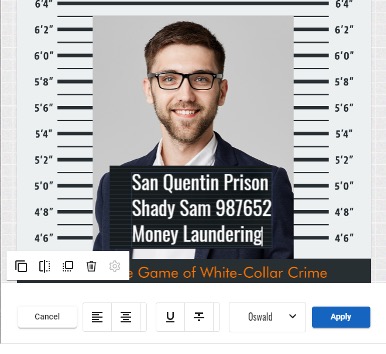
Step 3. Next click Customize to add props
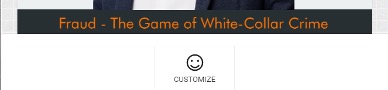
Add props like chains, facial hair, sunglasses, tattoos, wigs or even “Trump” your mugshot with Trump It props. Use slider at bottom of props widget to see more categories and props within a category
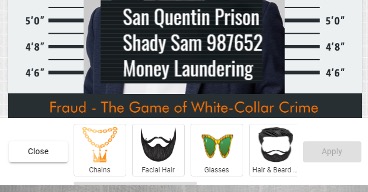
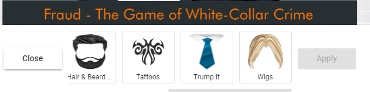
When you’ve added and sized any prop to fit the mugshot, click Apply
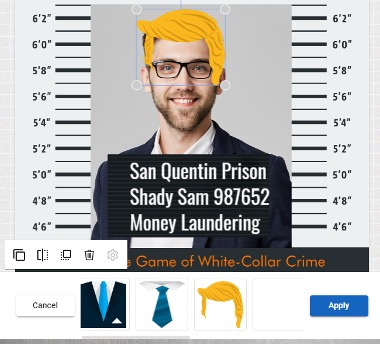
Then Close to add more props.

Add glasses, beards, whatever you want, click Apply after each new prop, then Close, then Customize to keep adding new props.
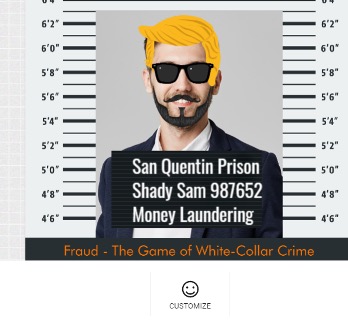
Step 4 – Click Save at top left when you are 100% done with your mugshot and are ready to share it with the world. Remember you can’t save a draft to edit later.
Step 5 – Select the Twitter or Facebook Icon next to your mugshot to share on social media.
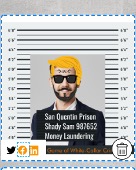
Mugshot examples – the only limit is your imagination